Inbolt’s robot guidance system explained
Updated August 2026. This replaces our 2023 explainer on GuideNOW, the former name of Inbolt’s platform.
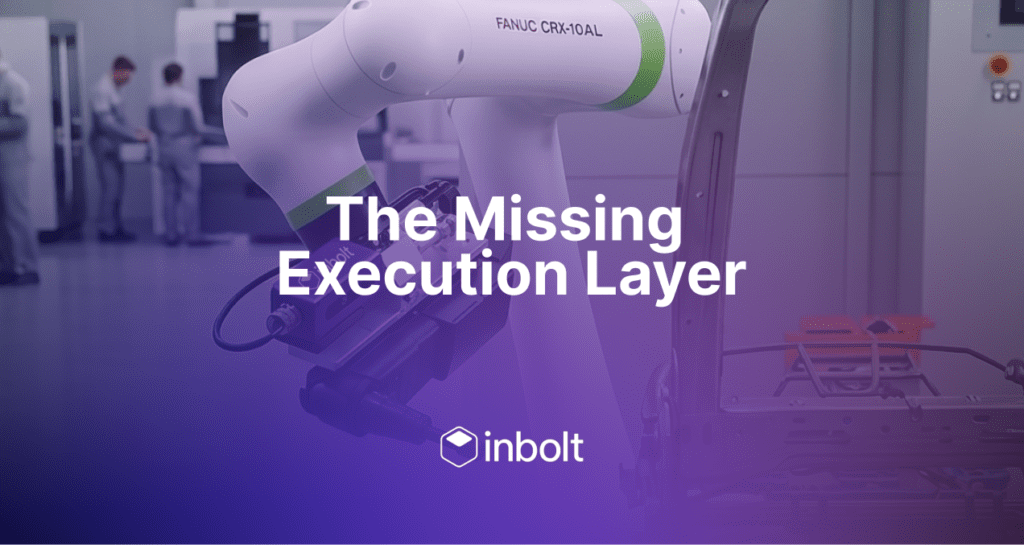
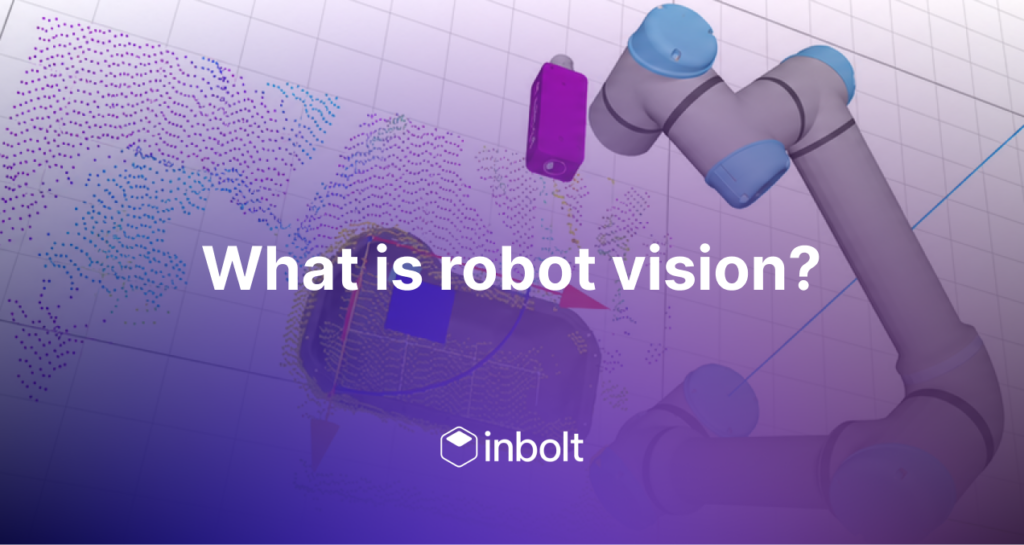
Inbolt gives industrial robots real-time 3D vision guidance. A robot-mounted camera and a CAD-trained vision model locate parts in six degrees of freedom, then stream corrected coordinates to the robot controller so the trajectory follows where the part actually is. Training a new part takes under 5 minutes from its CAD file. The platform runs on FANUC, ABB, KUKA, Universal Robots, Yaskawa and Comau, in 75+ factories on three continents.
What is Inbolt?
Industrial robots execute fixed trajectories that assume parts sit in exactly the same place, every cycle. They rarely do. Closing that gap is what jigs, fixtures and custom integration exist for, and it’s why a single automated station is often a six-figure project.
Inbolt closes it with vision instead. The platform is the real-time intelligence layer between the robot’s digital program and the physical world, built from three parts:
- Inbolt Robot Programming builds and runs the robot process.
- Inbolt Vision Model is a generalist model, trained on your CAD, that locates parts in 6DoF (position and orientation) in real time.
- Inbolt Robot Control streams corrected coordinates to the robot controller so motion follows reality.
Each step is legible: you can inspect what the vision model detected and exactly what correction was sent to the robot.
How does real-time robot guidance work?
Four steps, from camera to motion:
- A 3D camera on the robot arm scans the scene using active depth sensing.
- The Inbolt Vision Model matches the live point cloud against the part’s CAD model and computes its position and orientation.
- Inbolt Robot Control streams the corrected coordinates to the robot controller.
- The robot adjusts its trajectory and does the job where the part actually is.
On moving lines this runs continuously. Part detection takes 200 ms, total reaction time is 80 ms on Universal Robots (150 to 200 ms on FANUC and Yaskawa), and position updates refresh at up to 500 Hz depending on the robot brand. The robot can track a part moving at up to 300 mm/s and work on it without stopping the line.
And because the system reads 3D geometry from depth data, it doesn’t care about lighting. Bright daylight or a dark corner of the plant, with welding flashes nearby: detection behaves the same.
What does “trained on CAD” mean?
Most vision systems learn from photographs: hundreds of labelled images per part, collected and annotated by a vision specialist. Inbolt trains on the one file every manufacturer already has, the CAD model.
Upload the CAD and the vision model trains locally in under 5 minutes. There are no datasets to collect, no images to label, and you don’t need a vision engineer on staff. One generalist model handles all CAD types: machined, painted, metallic, even semi-transparent parts.
Training and runtime both happen on-premise on the Inbolt controller. Nothing touches the cloud, and no internet connection is required.
That changes the economics of part variation. A new part variant is a 5-minute retrain, with no fixture redesign and no changes to the cell.
Which robots is Inbolt compatible with?
Inbolt is native to six major robot brands, on the controllers factories already run:
| Brand | Static applications | Moving-line applications |
|---|---|---|
| Universal Robots | Yes | Yes |
| FANUC | Yes | Yes |
| Yaskawa | Yes | Yes |
| ABB | Yes | On request (via Externally Guided Motion) |
| KUKA | Yes | Static only |
| Comau | Yes | Static only |
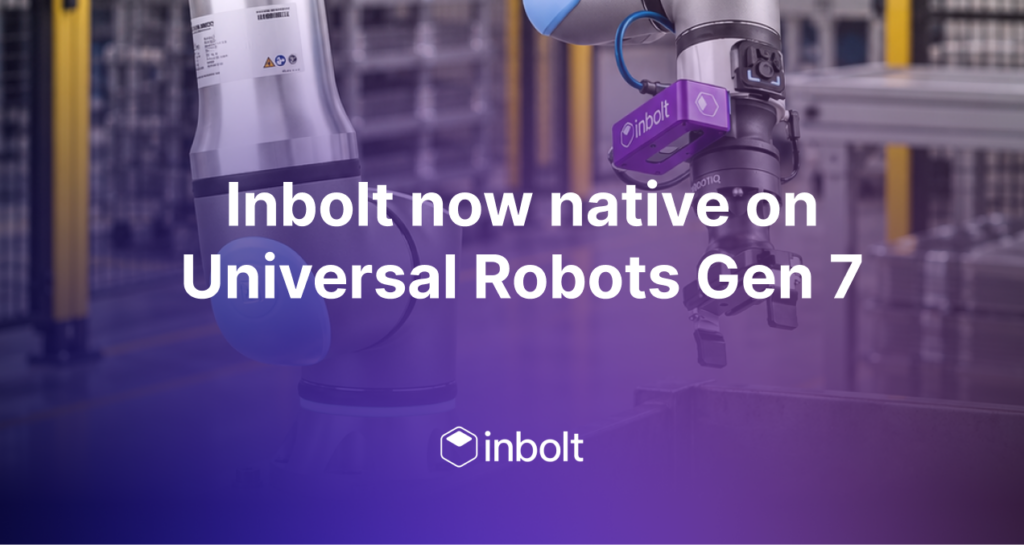
Integration uses each brand’s own mechanism: the Inbolt URCap on Universal Robots, Stream Motion on FANUC, MotoPlus on Yaskawa. Other brands are available on request.
Inbolt deploys on new stations and on robots already on your floor. Retrofits need no mechanical changes to the line.
What tasks can Inbolt automate?
Four project types cover the range:
- Stationary parts. Torquing, assembly, pick-and-place on a fixed station. The part is detected once before the robot moves to it. The most common deployment.
- Semi-structured parts. Depalletizing and organized trays or racks, where parts arrive in stacks or layers.
- Moving lines. The part keeps moving while the robot works on it: tightening, dispensing, pick-and-place on continuous conveyors. Supported on Universal Robots, FANUC and Yaskawa.
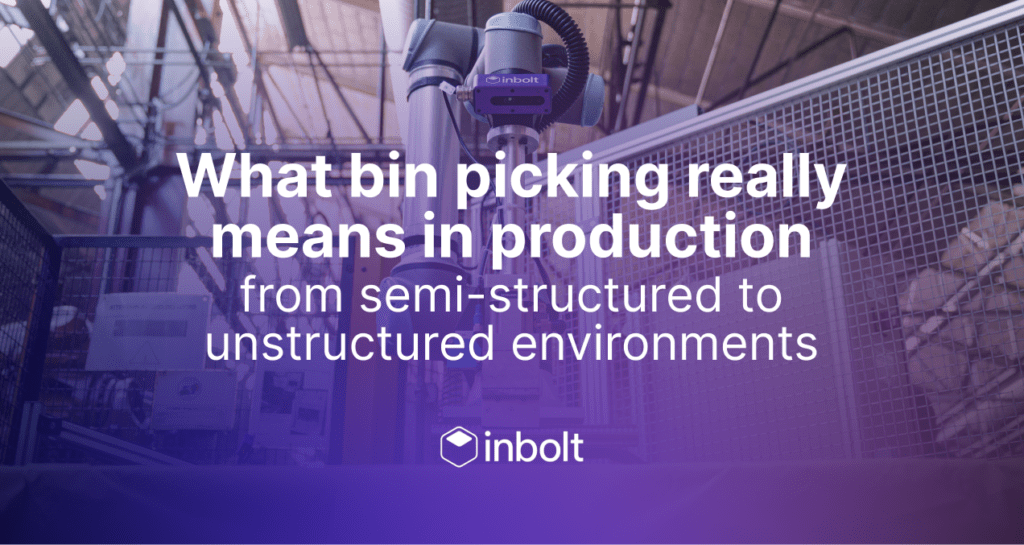
- Bin-picking (beta). Parts piled randomly in a bin. Currently limited to Universal Robots e-Series with magnetic or suction grippers.
Across customers, the most common applications are fastening, depalletizing, de-racking, assembly and glue dispensing.
Key specs at a glance
Figures below are from Inbolt’s official documentation, August 2026.
| Spec | Value |
|---|---|
| Part detection time | 200 ms (Standard camera); 300+ ms (High-Precision camera) |
| Repeatability, fixed parts | 0.5 to 0.7 mm (Standard); under 0.3 mm (High-Precision) |
| Repeatability, moving lines | 1 mm |
| Total reaction time, moving lines | 80 ms (UR); 150 to 200 ms (FANUC, Yaskawa) |
| Position refresh rate | Up to 500 Hz (UR); 250 Hz (Yaskawa); 125 Hz (FANUC) |
| Part size range | 10×10 cm up to 300×300 cm (Standard); down to 2×2 cm (High-Precision) |
| CAD training time | Under 5 minutes, on-premise |
| Max tracked part speed | Up to 300 mm/s (process-dependent) |
Two cameras cover the range: the Standard camera (active depth, real-time acquisition, required for moving lines) and the High-Precision camera (structured light, for small parts, flat parts, and sub-0.3 mm accuracy).
Who runs Inbolt in production?
200+ Inbolt systems run across 75+ factories in Europe, the US and Japan, powering 40M+ robot cycles in 2025. Stellantis, Toyota, Ford, GM, Renault and Beko all run Inbolt in production, on everything from underbody tightening on moving lines to depalletizing heat-treated parts.
A few results: 91% fewer tightening failures at Stellantis Trenton. 97% less downtime on a Detroit de-racking retrofit, with a 3-month payback. A 95% pick rate on unstructured steel billets at Caen. Typical payback across deployments is 12 months.
“We thought this task was too complex to automate because of the irregular parts and positioning. Inbolt handled everything accurately,” says Beko’s systems engineering manager.
Frequently asked questions
What happened to GuideNOW? GuideNOW was the original name of Inbolt’s robot guidance system. The same technology now runs under the Inbolt name, with Inbolt Studio as the interface. Legacy GN-series controllers keep working, and you’ll still see GN_ functions in older robot-side programs.
Does lighting affect Inbolt’s vision? No. The system reads 3D geometry from active depth data, so it performs identically in bright light and in the dark, including next to welding flashes.
Does Inbolt need cloud access? No. Training and runtime both run on-premise on the Inbolt controller, with no internet connection required.
Can Inbolt retrofit robots I already own? Yes. Retrofits deploy in days with no mechanical changes to the line, and they often show the fastest payback: as low as 3 months on high-utilization stations.
How long does a new part take to set up? Under 5 minutes to train the vision model from a CAD file. A full station typically deploys in days, not months.
Which robot brands does Inbolt support? FANUC, ABB, KUKA, Universal Robots, Yaskawa and Comau, with other brands available on request.
Running one of these applications? Talk to our team about whether your station qualifies.
Explore more from Inbolt
Access similar articles, use cases, and resources to see how Inbolt drives intelligent automation worldwide.
The Stellantis story the New York Times told, and the engineering behind it
The gap between a great demo and a robot that runs in production
Oltre 106.000 robot lavorano già nelle fabbriche italiane. Quasi tutti alla cieca.
Inbolt Robot Programming: from digital twin to a running robot in five minutes
The missing execution layer