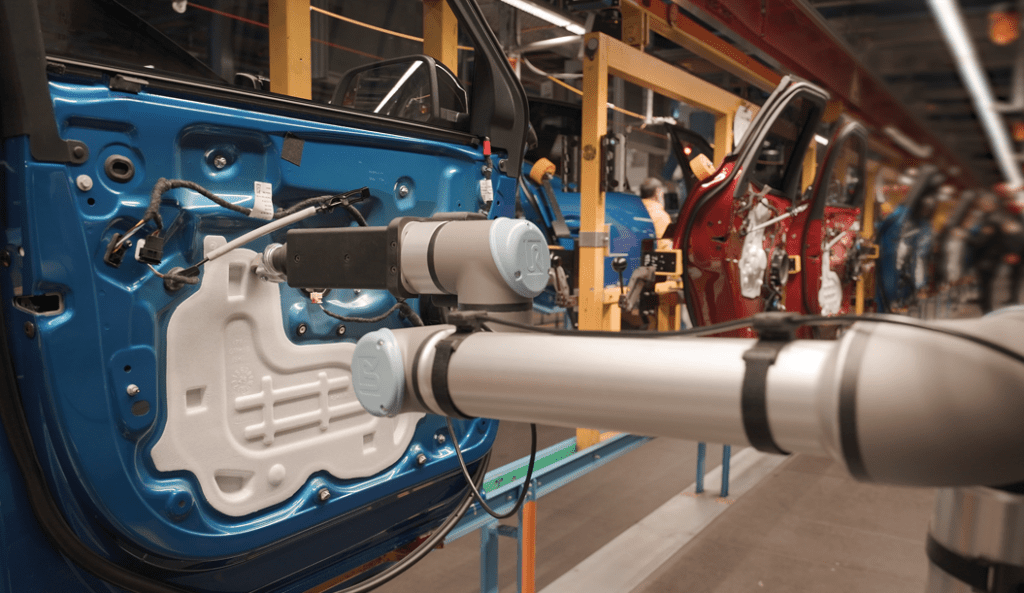
Native 3D vision for your UR cobot
Inbolt runs directly on the CB7 Core controller as a UR+ authorized URCap on PolyScope X. Your cobot locates parts, adapts its path in real time, and runs stations without jigs, fixtures or mechanical indexing. Trained on CAD in under 10 minutes.

The embedded brain of your UR cobot
Vision has always been sold as hardware: an external PC beside the robot, extra cabling, a separate interface for your team to learn.
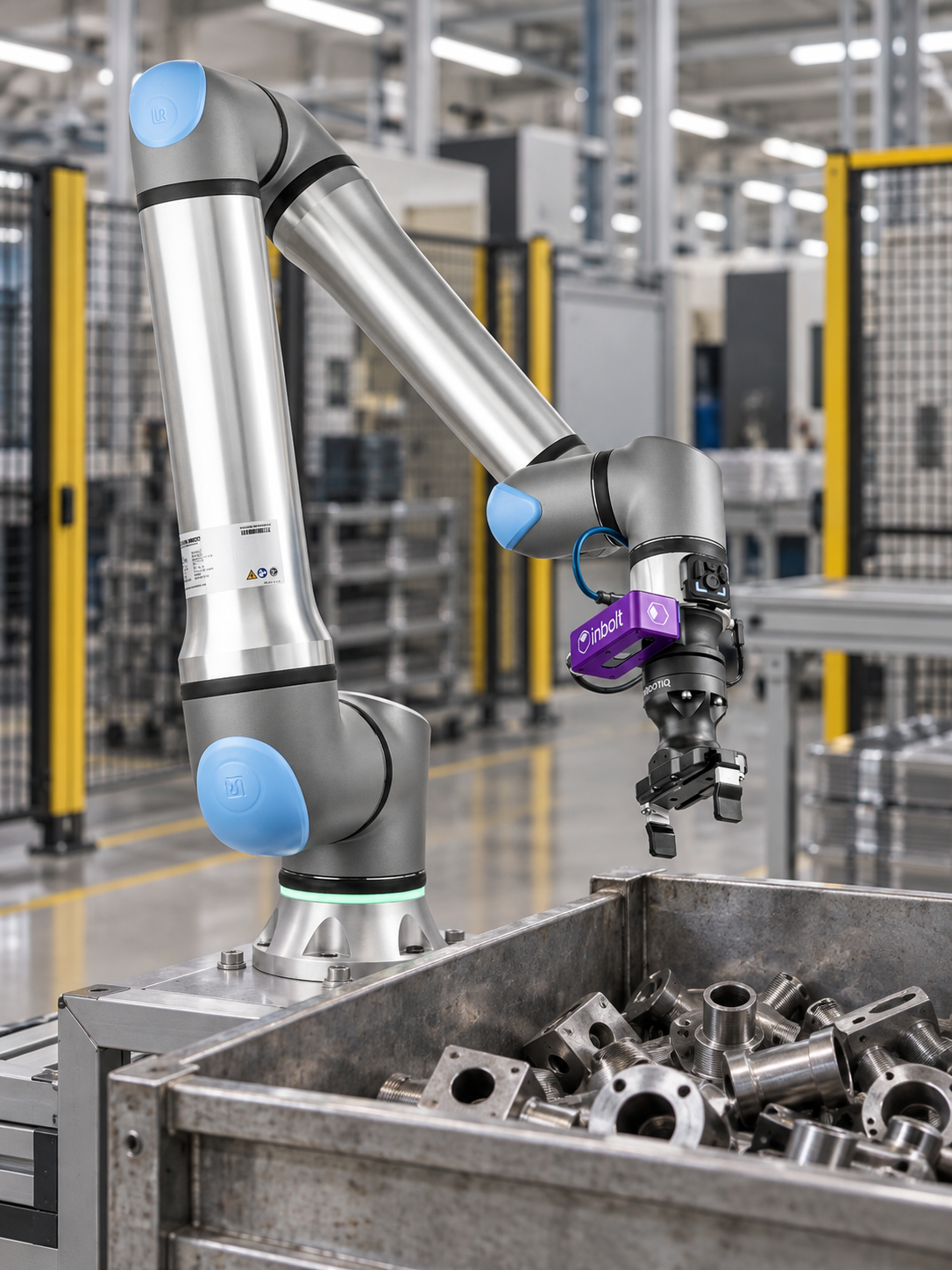
Inbolt is software first. The URCap installs on the UR CB7 controller and runs Inbolt Studio plus all part localization on the controller itself, at the edge. No external compute, no cloud, no data leaving the plant. One 3D camera on the flange feeds it, and the robot does its own thinking.
Nothing extra in the cabinet
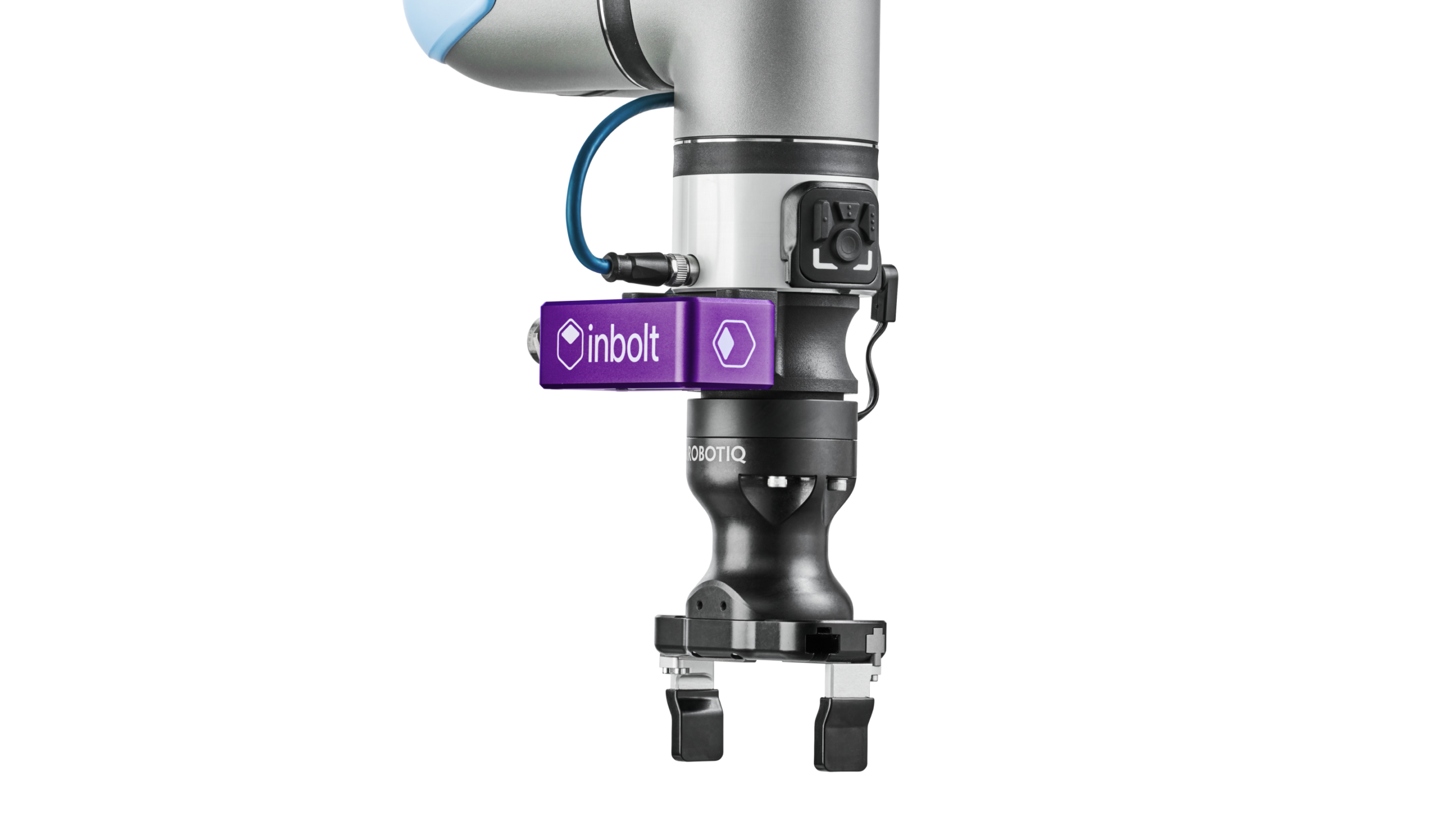
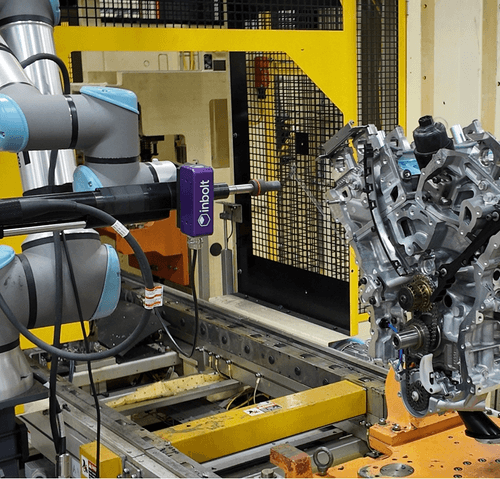
The 3D camera mounts to the tool flange. On g-Series robots it connects through the 1 Gb Ethernet port in the flange itself, so camera data runs inside the arm with no cable routed down the outside of the robot. Camera, URCap, license: that’s the whole system.
Programs like a UR
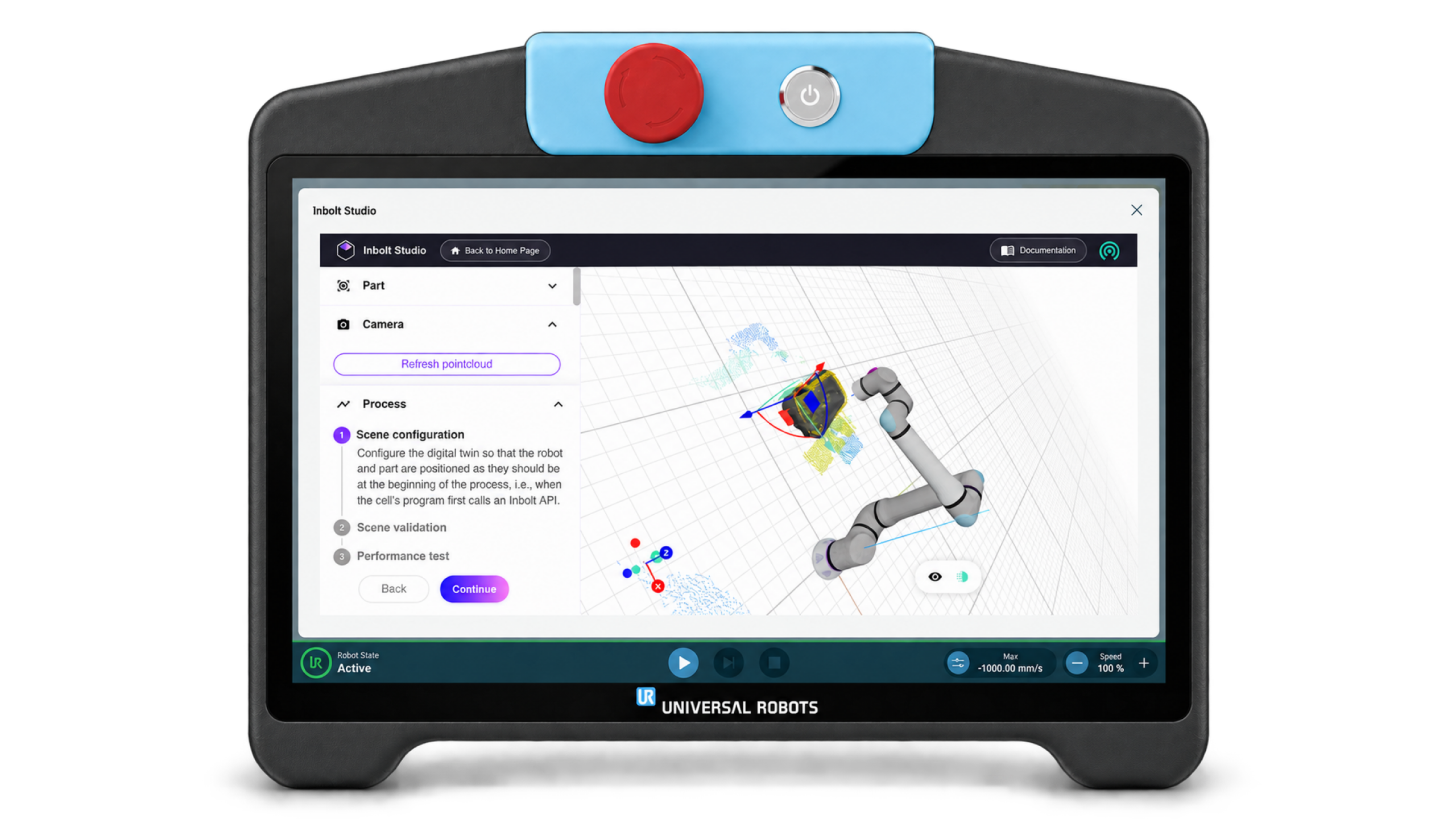
UR made cobots programmable by anyone. Inbolt Studio holds vision to the same standard. Inbolt commands appear directly in the UR program tree, so vision-guided moves are called the same way as any URScript instruction. If you can program a UR, you can program a vision-guided UR.
Your data stays on the controller
Training and localization run locally. No internet connection required, compatible with secure manufacturing networks and air-gapped lines.
Proven impact, measurable results
5
< 5 min
CAD training time
0.5
± 0.5 mm
Localization accuracy
100
100 +
Factories using Inbolt
80
80 ms
Perception to motion
A robot that works from where the part actually is
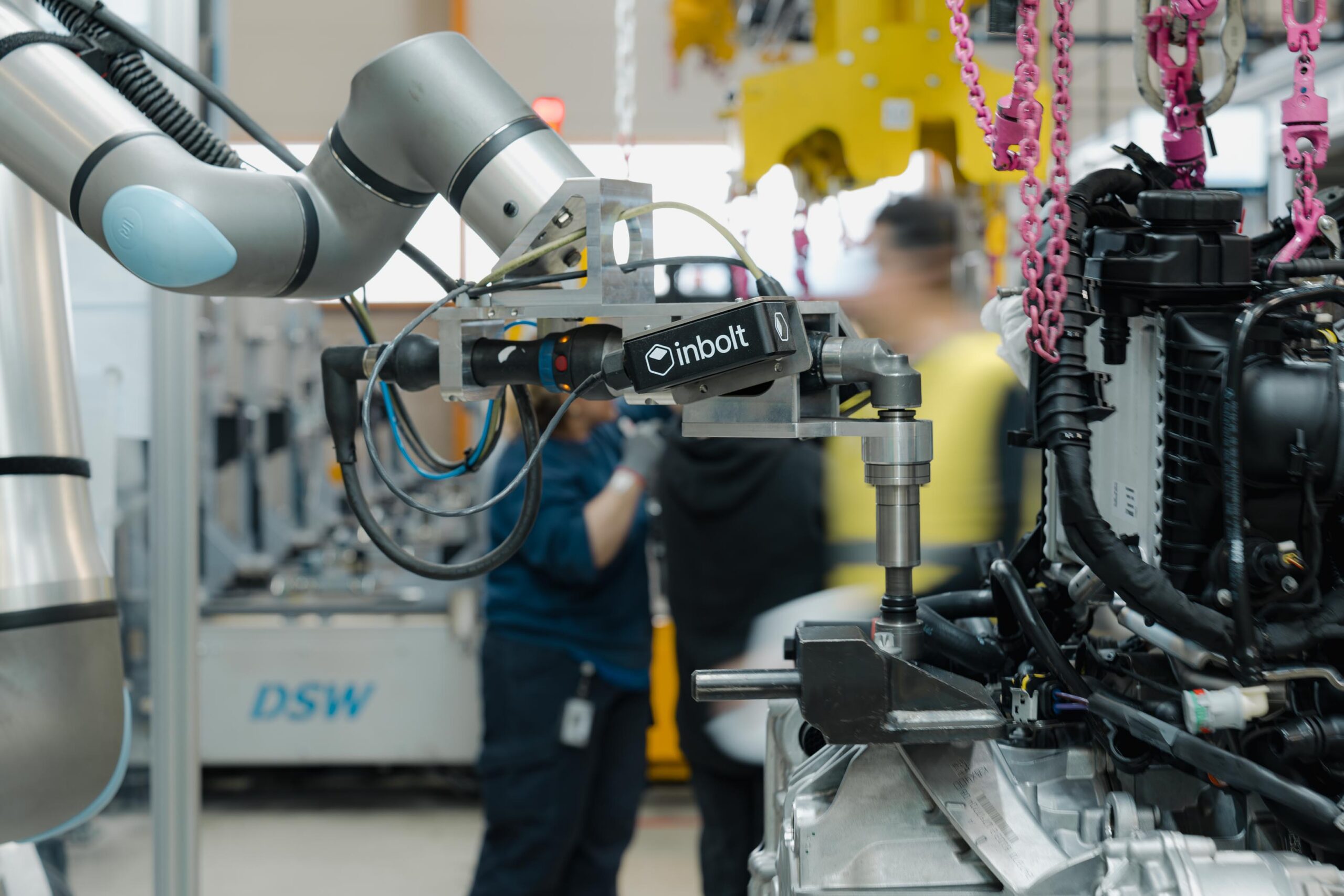
Most UR cells rely on jigs, fixtures and indexing to present parts in exactly the same position every cycle. That tooling adds CapEx, slows commissioning, and breaks whenever a part or rack changes. Racks wear. Dunnage shifts. Operators load by hand.
Inbolt takes a different approach: the robot works from where the part actually is. A robot-mounted 3D camera locates each part in 6 degrees of freedom directly from its CAD file, independent of lighting, and the taught path shifts to match. Teach the path once; Inbolt finds the part every cycle.
One camera and one license replace the jigs, fixtures and indexing engineered into every new cell. And the savings repeat on every station you add.
That’s why a 3D camera belongs on the robot from the first purchase, spec’d with the arm and the gripper rather than retrofitted after the first crash or changeover. Order the cell vision-ready and every future part change becomes a software update instead of a tooling project.
How it works
From CAD to production in three steps
Step 1 — Mount and connect
The 3D camera fixes to the UR tool flange with a standard bracket and connects through the flange’s 1 Gb Ethernet port (g-Series) or directly to the UR controller.
Step 2 — Train from CAD
In Inbolt Studio, load the part’s CAD file. The model trains locally in under 10 minutes: no image datasets, no labeling, no vision expertise. Define the pick or process point in the part’s frame. A single program can switch between 80+ part references.
Step 3 — Run
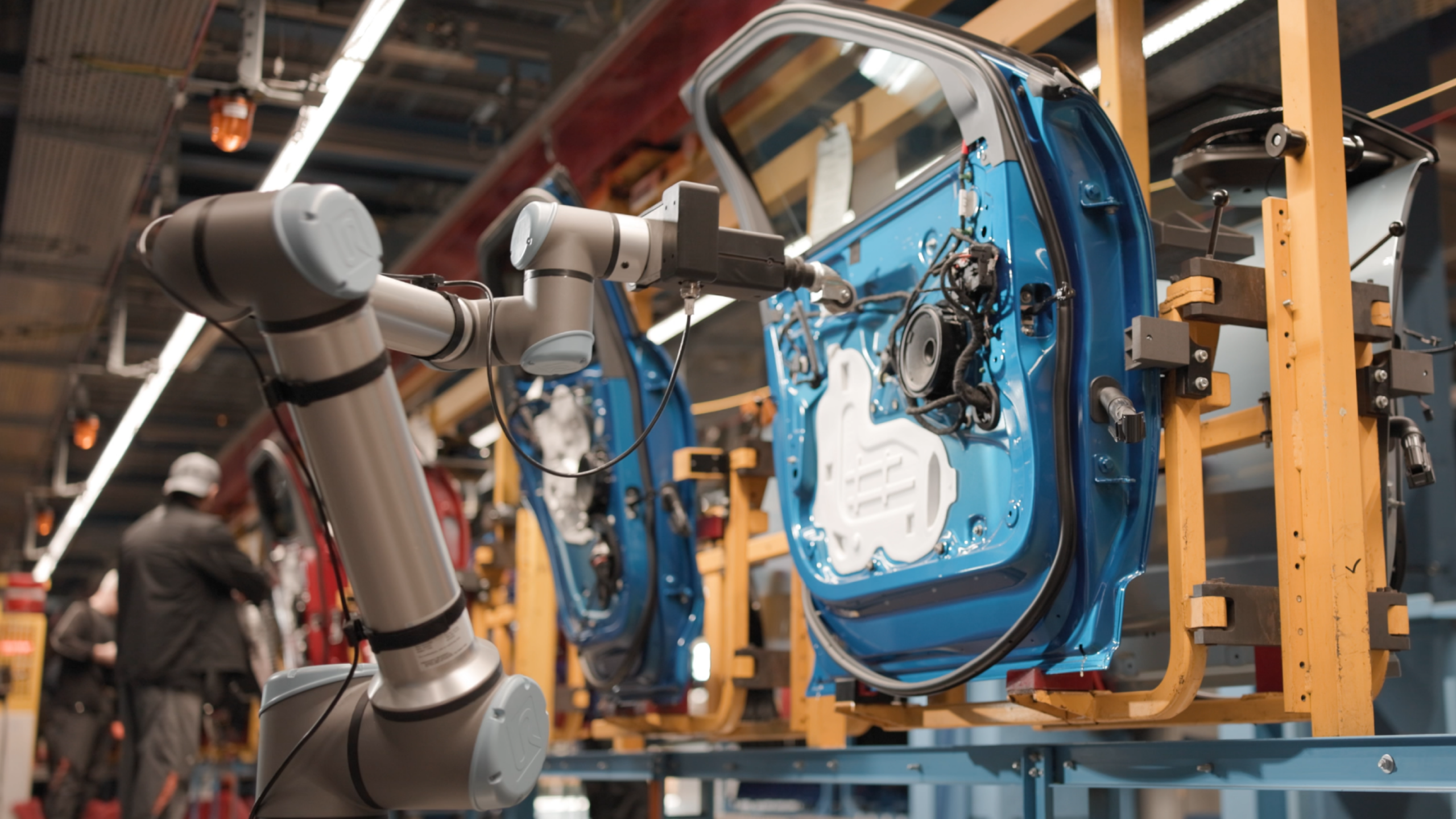
In production, the camera captures a 3D scene, Inbolt localizes the part in 6DoF, and the robot path is offset to the part’s actual position. Every cycle, automatically.
One integration, four licenses
Inbolt on UR is licensed by application type, so you pay for the capability your station needs. Every license shares the same camera, the same URCap and the same CAD training workflow. Start with Standard and upgrade the license as your applications grow.
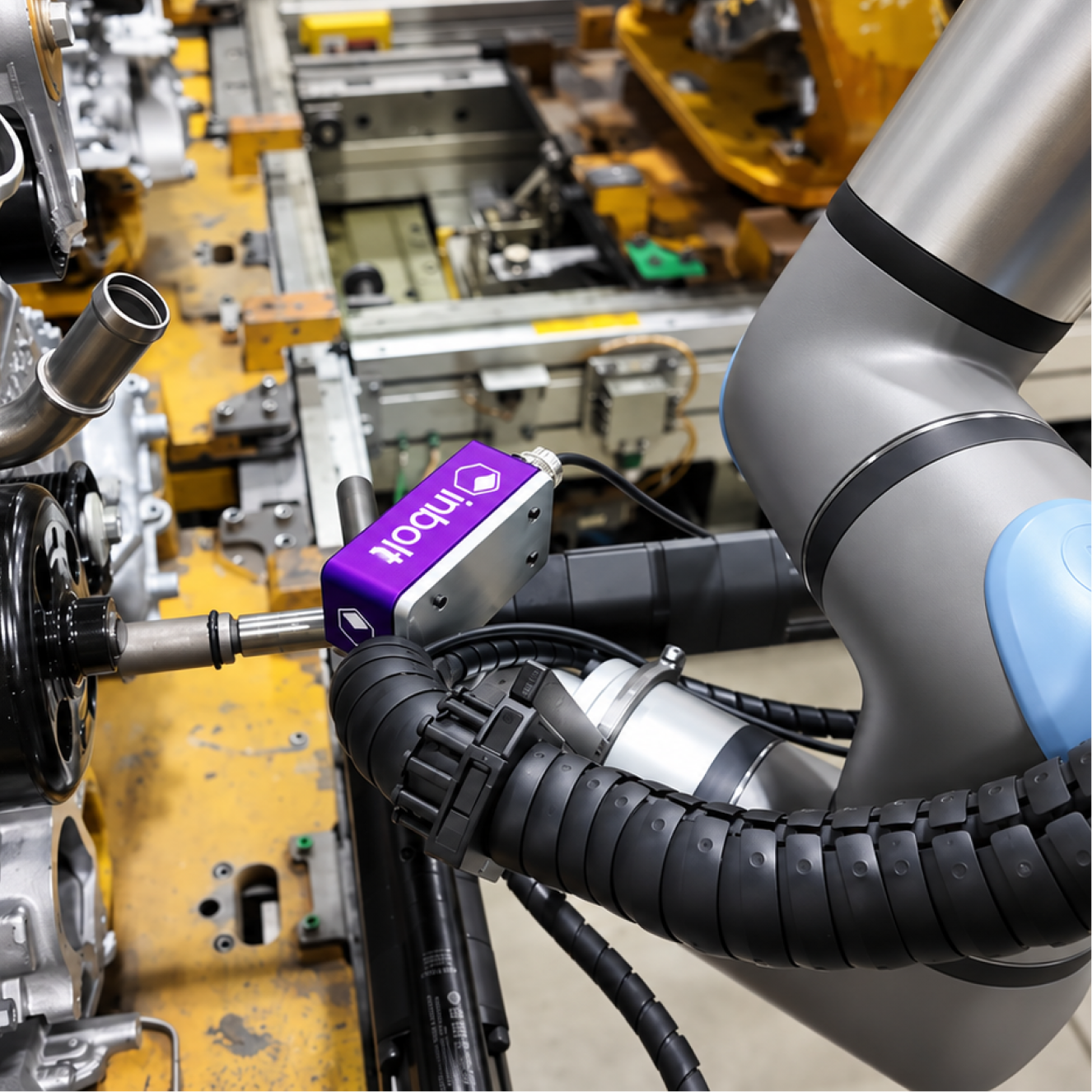
Inbolt Standard: AVAILABLE NOW
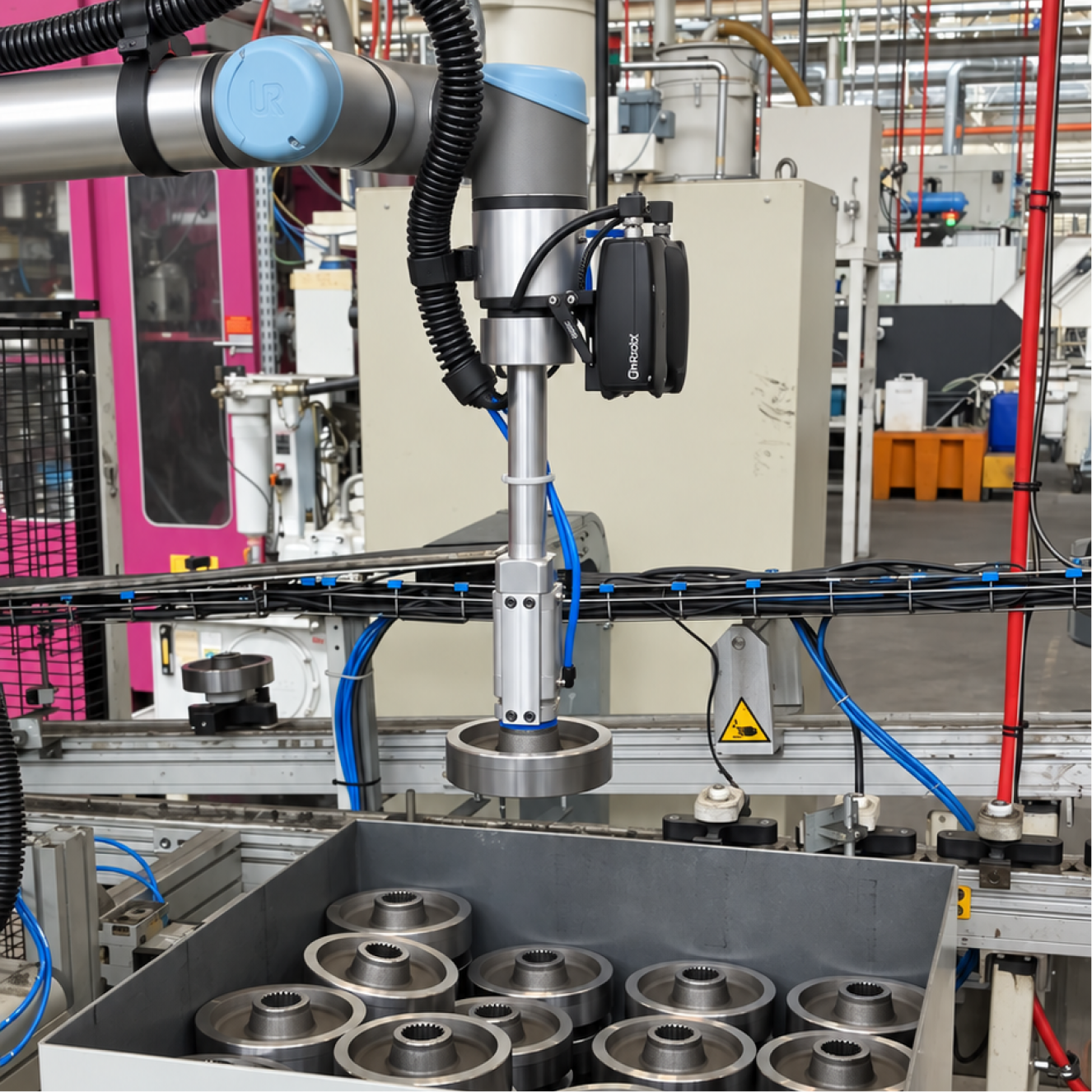
Inbolt Advanced: COMING LATE 2026
Inbolt Bin Picking: COMING LATE 2026
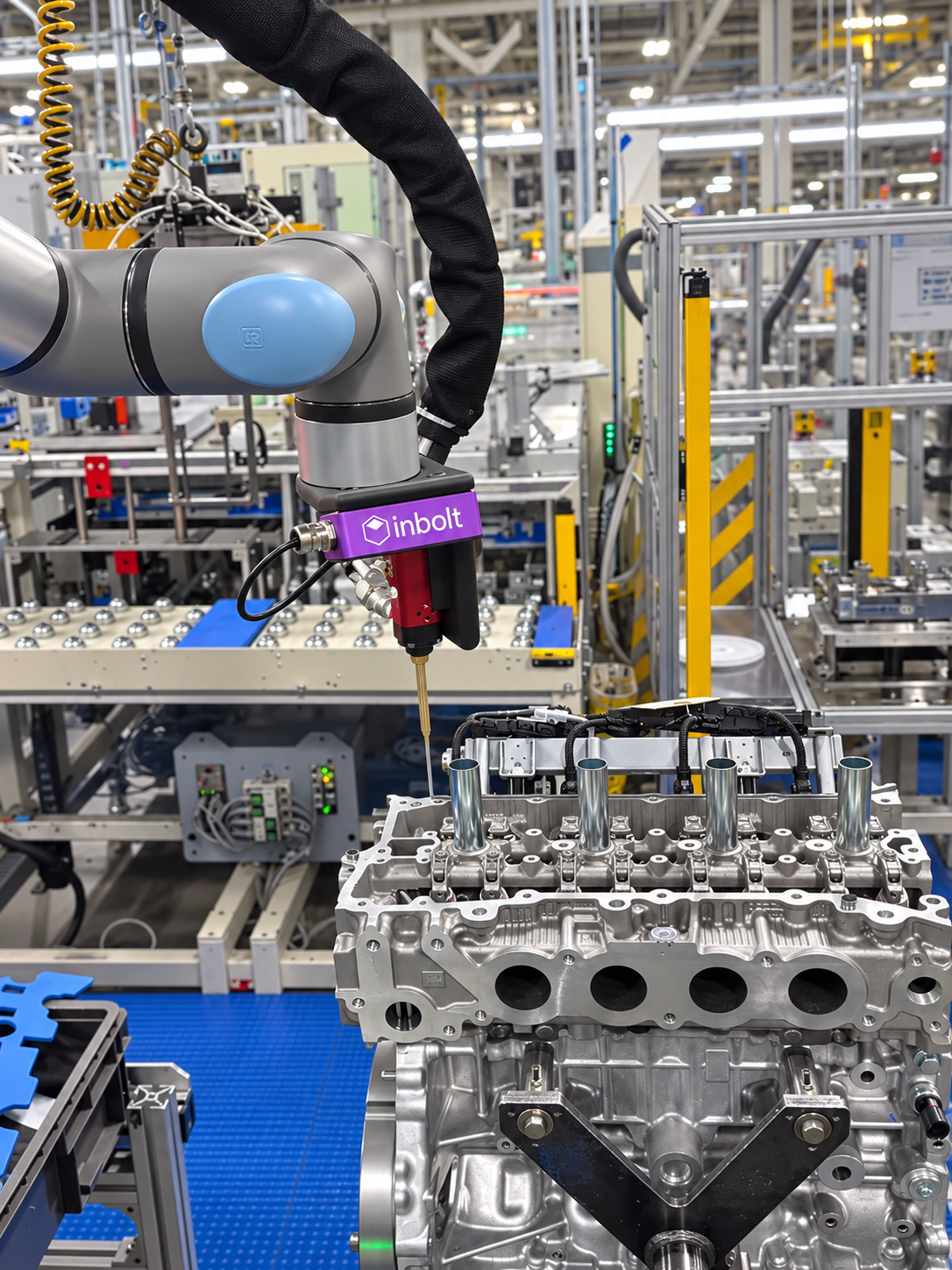
Inbolt Dynamic: COMING LATE 2026
What Inbolt adds to your UR
One camera, one controller, and a vision model trained on your parts’ CAD.

6DoF part localization
Position and orientation of every part, localized from a 3D scene with 0.5–0.7 mm repeatability on fixed parts.

CAD-trained, on the controller
Inbolt trains directly on the part’s CAD file, locally on the UR controller. A new part reference is production-ready in under 5 minutes.

Robot-mounted camera
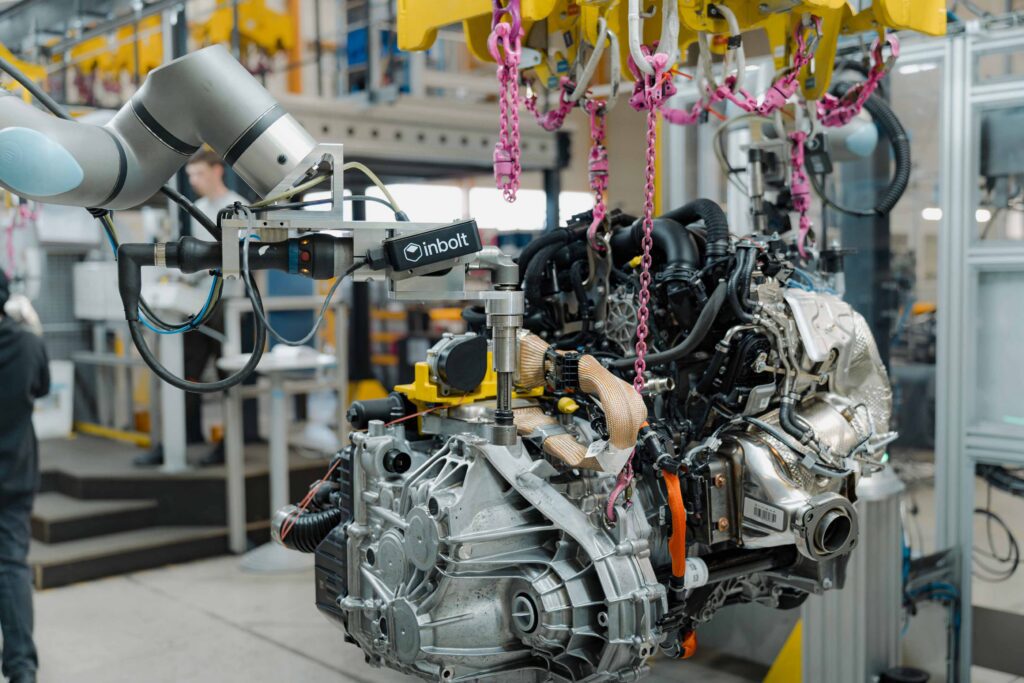
One compact IP65 camera on the UR wrist handles any bin, rack, or pallet position. No overhead rigs.

Native PolyScope X integration
UR+ certified URCap. Inbolt commands sit in the UR program tree next to your other instructions. No separate IDE or workflow change.

Lighting-independent 3D vision
Active IR depth sensing, not 2D imaging. Works in bright, dim or fully dark environments, with no enclosures or light tents.

80+ part references
One program handles your full part mix. Switching references takes a program instruction, and adding a new part takes minutes.
In production at the manufacturers you benchmark against

“Inbolt’s 3D vision solution gave us the answer we needed. We’ve taken the strain off our operators and we’re below 1% non-compliant tightening.”

Gilles Gaeng

“We are very happy with the automation. We’ve seen nearly no malfunctions and our results in the water tests are very good. Repairs per thousand have gone close to zero.”

Steffen Münch
“Streamlining our engine tightening process meant fewer adjustments, and more consistent results on the station.”

Aaron Mosolgo

Works across the UR portfolio
Inbolt installs on PolyScope X out of the box and runs alongside any UR-certified end-of-arm tooling. Native operation requires the CB7 Core controller (Standard license).
Native on CB7: UR10g-1750, UR17g-1300 and UR18g-950, on PolyScope X 10.13 or later.
Already running e-Series? UR3e to UR16e, UR15, UR18, UR20, UR30 and UR8 Long are supported today via the external Inbolt controller on PolyScope 5.15 or later. Same camera, same training workflow.
FAQ
Answers to common questions about Inbolt’s native vision-guidance for Universal Robots

-
Inbolt is delivered as a UR+ certified URCap on PolyScope X. Inbolt Studio and all part localization run on the UR CB7 Controller itself: no external vision PC, no cloud processing, no data leaving the plant. The camera connects directly to the controller, and Inbolt commands appear in the UR program tree like any URScript instruction.
-
Natively, the UR g-Series (UR10g-1750, UR17g-1300, UR18g-950) on a CB7 Core or Performance Controller running PolyScope X 10.13 or later. e-Series robots (UR3e to UR16e, UR15, UR18, UR20, UR30, UR8 Long) run Inbolt today via the external Inbolt controller on PolyScope 5.15 or later.
-
Yes. Robots on PolyScope 5.15 or later are supported today via the external Inbolt controller. When you move to CB7, your training workflow stays the same.
-
No. Inbolt trains directly on the part’s CAD file in under 10 minutes, with no dataset collection or labeling. Programming happens in the UR program tree, so any UR programmer can build a vision-guided application.
-
One Inbolt 3D camera, a flange mount and an Inbolt license. On g-Series the camera connects through the tool-flange Ethernet; on other robots a cable runs to the controller. There is no separate Inbolt compute hardware on CB7; everything runs on the UR controller.
-
It depends on how your parts arrive. Repeatable orientation on a stationary station: Standard, available now. Random orientation in racks or layers: Advanced. Loose parts piled in bins: Bin Picking. Parts on a moving line: Dynamic. Advanced, Bin Picking and Dynamic join the UR lineup in late 2026, and you can register interest today.
-
Part detection in 200 ms, with 0.5–0.7 mm repeatability on fixed parts. On moving lines, the Dynamic license tracks parts at up to 500 Hz with 80 ms perception-to-motion latency and 1 mm repeatability at line speeds up to 300 mm/s.
-
Through the UR ecosystem: contact your local UR sales partner, find Inbolt on the UR+ Marketplace, or request a demo with our team and we’ll scope your application together.
UR democratises robotics, Inbolt democratises vision
Talk to our team about native 3D vision on your UR cobots. We’ll help you scope the application, validate your parts, and deploy in days.

Explore more from Inbolt
Access articles, use cases, and resources to see how Inbolt drives intelligent automation worldwide.
A first-of-its-kind deployment: How thyssenkrupp automated a non-stop Mercedes engine line
Inbolt Product Brochure
The Rise of Vision-Based Robotics in Automotive Manufacturing