Screw fastening automation: why robots miss, and how vision-guided tightening fixes it
Updated: November 26, 2026
A tightening robot that misses the hole by a millimeter doesn’t fail quietly. The socket slips off the bolt head, the thread cross-starts or never engages, and the part goes to a rework loop at the end of the line.
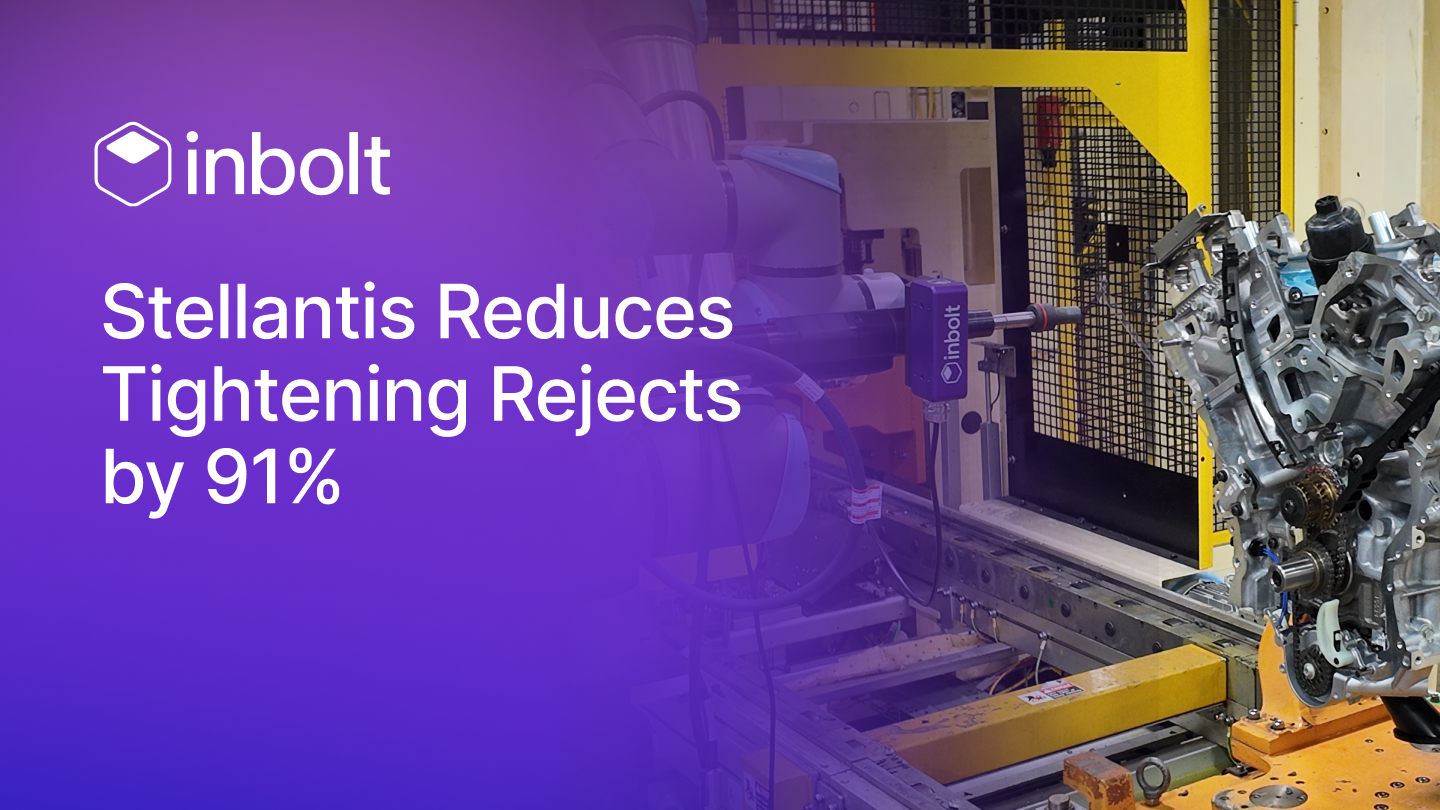
Most screw fastening automation tries to prevent that with steel: lift-and-locate units, crowders and precision pallets that hold the part where the robot expects it. At Stellantis’s Trenton engine plant, that indexing was in place and the station still rejected 2.55% of bolt run-downs.
Vision-guided tightening goes the other way. The robot finds the part on every cycle and the bolt positions move with it. That’s how robotic screwdriving runs today at Stellantis, thyssenkrupp and Renault, on stop-and-go stations and on lines that never stop.
Why automated screw fastening fails
Automated screw fastening fails when the part isn’t where the robot was taught to find it. A taught program assumes the same position every cycle. Pallet wear, fixture tolerance, product variants and line motion all break that assumption, and a tightening tool has very little room for error.
Three things cause most of the misses.
The part drifts from cycle to cycle. The robot repeats its path to a fraction of a millimeter. The part doesn’t hold still that well. Locators wear, pallets take knocks, and tolerances stack across the fixture, the carrier and the part itself. At Trenton, the lift-and-locate system indexed each engine to the station, but the engine position still wasn’t repeatable.
Every variant needs its own teaching. Each variant puts its bolts in different places, and on a conventional station each position is taught by hand. thyssenkrupp runs 6 Mercedes engine variants through a single tightening station. That’s 6 sets of bolt positions, each one tied to a part that’s never quite in the same spot.
On a moving line, the part never stops. At 200 mm/s, a 1-second delay leaves the robot 200 mm behind the bolt. Conveyor tracking with an encoder follows the conveyor, which only works if the part sits rigidly on it. An engine hanging from a chain swings, and an underbody on a skid shifts.
The usual answer is more hardware: tighter fixtures, better pallets, a stop station in the middle of a moving line. Each one costs money and cycle time. At Trenton, the lift-and-locate also slowed the station down, and an operator at the end of the line still had to tighten the bolts the robot missed.
How vision-guided tightening works
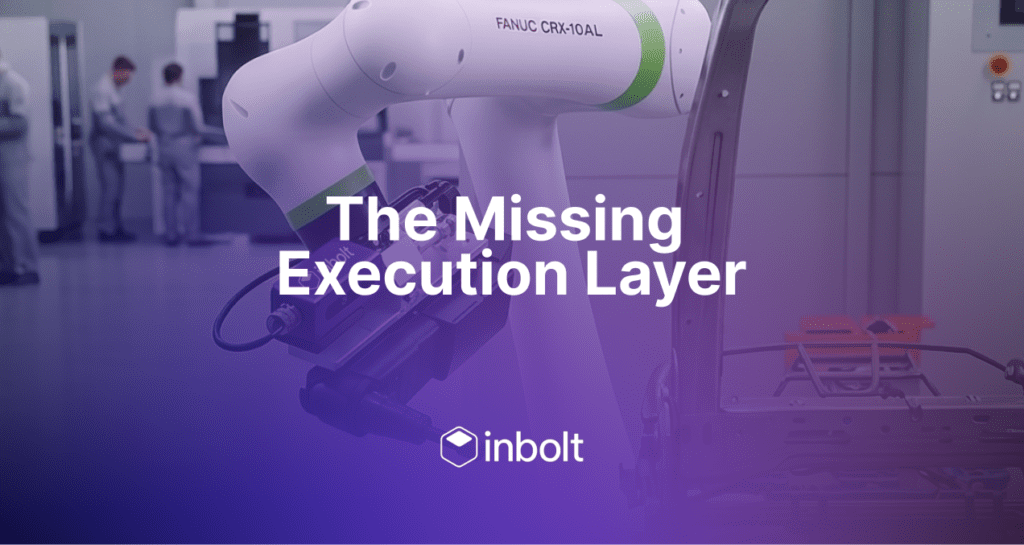
Vision-guided tightening puts a 3D camera on the robot arm. The camera locates the part in 6 degrees of freedom from its CAD model, the bolt positions are defined on that CAD, and the robot’s path is recalculated for where the part actually is. On a moving line, the camera keeps tracking until the last bolt is down.
In Inbolt’s platform that’s 3 steps, each one something an engineer can inspect:
- See. The Inbolt Vision Model is trained on the part’s CAD in under 5 minutes, on-premise. It locates the part in 200 ms on the Standard Camera. At Trenton, vision takes 0.5 s per engine.
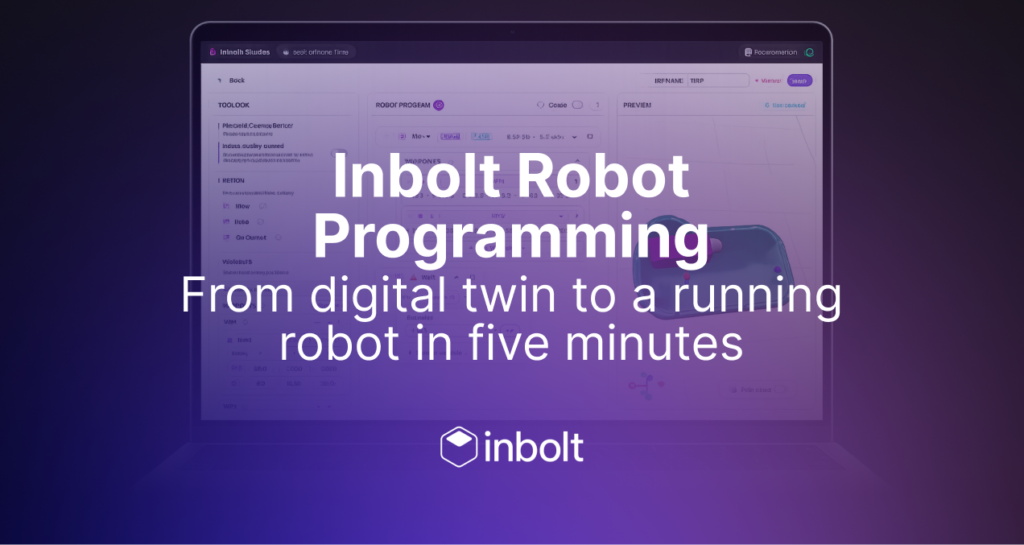
- Plan. With Inbolt Robot Programming, the bolt positions are defined once on the CAD in Inbolt Studio, so the tightening program runs in the part’s own frame and follows the part.
- Move. Inbolt Robot Control streams the corrected motion to the robot’s own controller. Your robot, your nutrunner and your tightening controller stay as they are.
Because the program lives on the part, a new variant is a new CAD file and a new set of bolt positions on it. The robot never has to be walked to each bolt with a teach pendant.
Tightening on a moving line
Moving-line tightening uses Inbolt’s Dynamic project type. The Standard Camera tracks the part continuously through the approach and the run-down, and the robot’s trajectory is corrected in real time. No encoder is needed, because the camera measures the part itself.
How quickly the robot reacts depends on the brand:
| Robot | Reaction time | Repeatability on a moving part |
|---|---|---|
| Universal Robots (e-Series, UR Series) | 80 ms | 1 mm |
| FANUC (R-30iB Plus, R-50iA) | 150 to 200 ms | 1 mm |
| Yaskawa (YRC1000, YRC1000micro) | 150 to 200 ms | 1 mm |
Supported line speed depends on the robot model and the process. Send us your line speed and we’ll confirm the fit.
Moving-line projects run on Universal Robots, FANUC and Yaskawa today. Fixed-station tightening works on all 6 native brands: FANUC, ABB, KUKA, Yaskawa, Comau and Universal Robots.
A deployment shows what this looks like on a real line.
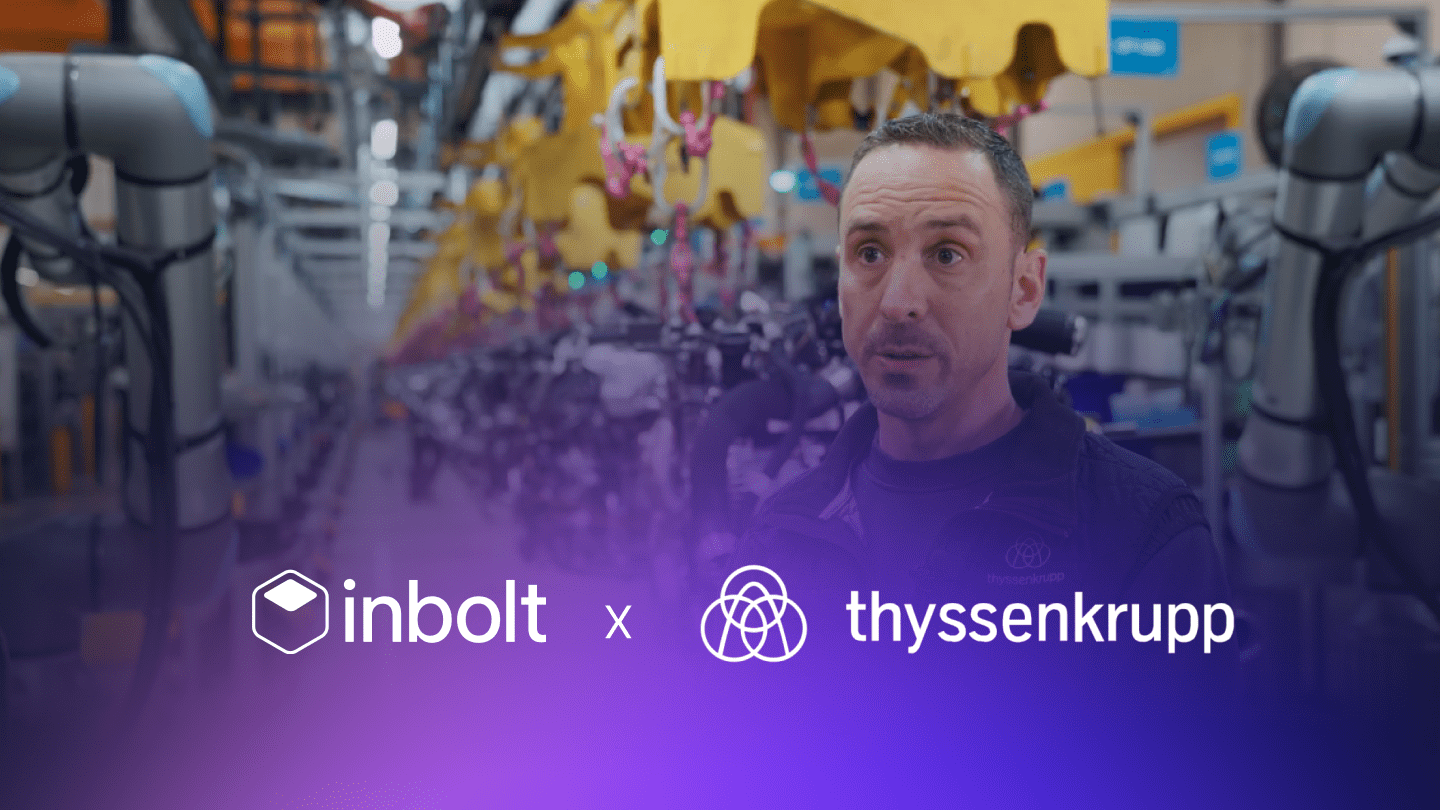
thyssenkrupp, Herrlisheim (France)
The line builds Mercedes engines. They hang from an overhead chain conveyor, swing as they travel, and the line never stops. Six variants share the station. Before automation, operators tightened the bolts by hand with a powered screwdriver, arms raised above shoulder height for long stretches of the shift. With Inbolt and integrator Robotindus, the robots now track each swinging engine and tighten on the move.
Inbolt’s 3D camera solution gave us the answer we needed. We’ve taken the strain off our operators and we’re below 1% non-compliant tightening.
Gilles Gaeng, Technical and Production Lead
thyssenkrupp
Results from 5 plants
| Plant | Line | Task | Result |
|---|---|---|---|
| Stellantis Trenton, USA | Stop-and-go | Engine bolt run-down | Rejects from 2.55% to 0.24% (90.5% fewer), 12-month ROI |
| thyssenkrupp Herrlisheim, France | Non-stop chain conveyor, 6 variants | Engine bolt tightening | Under 1% non-compliant tightening |
| Renault Douai, France | Moving | Underbody tightening | 100% success, zero false positives |
| Stellantis Sochaux, France | Moving | Busbar tightening | No time added to station cycle |
| Stellantis Verrone, Italy | Moving | Powertrain tightening | 1 operator freed across 23 shifts |
Trenton is the number to look at if you already run an indexed station. The indexing was there. Vision removed the misses it left behind, with no infrastructure changes to the line, and Stellantis is now extending it to other stations. Read the full Trenton tightening story.
What to check before automating a tightening station
Start with 5 checks: line speed, part geometry, CAD for every variant, bolt reach across the part’s full range of positions, and the controller options your robot needs. If those pass, the station is a candidate, and your existing tightening tool stays.
- Line speed. Supported line speed depends on the robot model and the process. Send us your line speed and we’ll confirm the fit. A stop-and-go station has no line speed to account for.
- Part geometry. The Standard Camera needs a part with 3D volume and some texture, between 10 x 10 cm and 300 x 300 cm. Engine blocks, cylinder heads, housings and body panels fit. Small or flat parts on a fixed station suit the High-Precision camera.
- CAD for every variant. The vision model and the bolt positions both come from CAD. Without CAD, there’s nothing to train on.
- Reach. Check that the robot can reach every bolt across the full range of positions and swing the part can take, with clearance for the tool.
- Controller options. Moving-line projects on FANUC need Stream Motion (J519) on an R-30iB Plus or R-50iA controller. Universal Robots runs through the Inbolt URCap. Yaskawa runs through a MotoPlus application.
For a moving-line example end to end, see how thyssenkrupp automated a non-stop Mercedes engine line, or the moving lines deployment page.
Frequently asked questions
Can a robot tighten bolts on a moving conveyor? Yes. The robot needs a camera that tracks the part continuously and a control link that corrects its path in real time. Inbolt does this in production at thyssenkrupp, Renault and Stellantis, on Universal Robots, FANUC and Yaskawa, with 1 mm repeatability on the moving part and no encoder.
How accurate does vision need to be for screwdriving? Accurate enough for the socket or bit to land on the bolt and start the thread. On fixed parts, Inbolt’s Standard Camera repeats to 0.5 to 0.7 mm, and the High-Precision camera to under 0.3 mm for small screws. On moving lines, repeatability is 1 mm, which is enough for engine and underbody bolts in production today.
Do I still need mechanical indexing? Precision indexing becomes optional. The part still has to be held against tightening torque, which the pallet or carrier already does. Vision handles where it sits. At Trenton, vision took rejects from 2.55% to 0.24% on a station where indexing alone couldn’t get there.
How long does a tightening deployment take? A new part is trained from its CAD in under 5 minutes. A typical station deployment takes days, with no mechanical changes to the line, and payback typically comes inside 12 months. Trenton paid back in 12 months.
See your own part located
Send us the CAD of the part you’re tightening and we’ll show you the part, located, before anyone touches the line. Start on the vision-guided screwdriving and tightening page.
Explore more from Inbolt
Access similar articles, use cases, and resources to see how Inbolt drives intelligent automation worldwide.
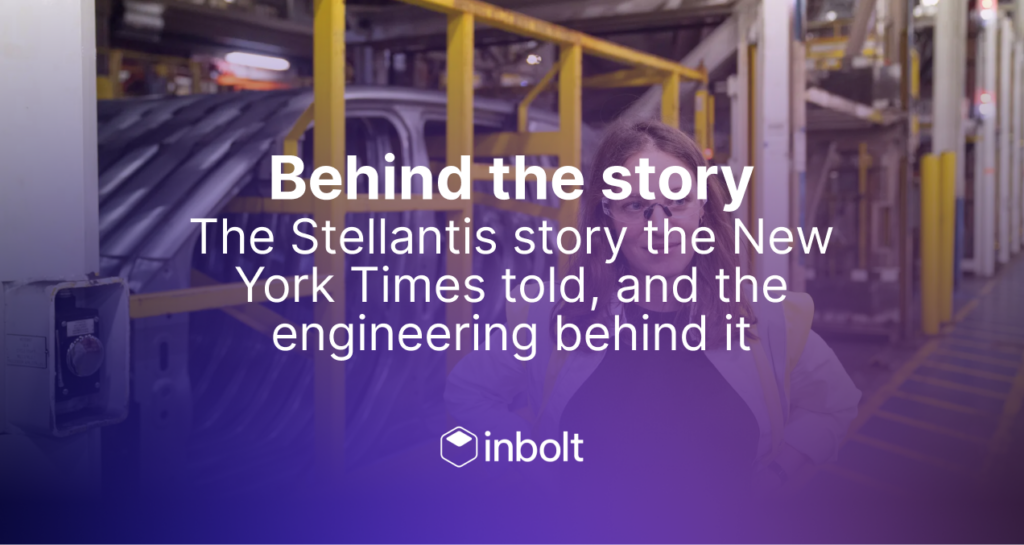
The Stellantis story the New York Times told, and the engineering behind it
The gap between a great demo and a robot that runs in production
Oltre 106.000 robot lavorano già nelle fabbriche italiane. Quasi tutti alla cieca.
Inbolt Robot Programming: from digital twin to a running robot in five minutes